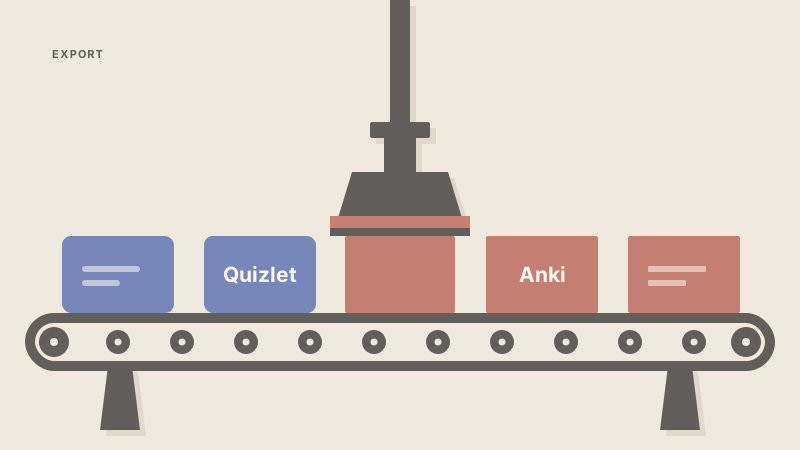
How to export Quizlet to Anki (and why your progress won't follow)
A technical guide on moving Quizlet sets to Anki using add-ons or CSVs, and why your 'Mastery' progress cannot be transferred.
If you are trying to export Quizlet to Anki, the bad news is that your progress data, the cards you've already "mastered", will not move with you. The good news is that moving the actual cards is a solved problem. You can use a dedicated Anki add-on to scrape the URL or use Quizlet's built-in export tool to generate a CSV file for manual import.
Before we dive into the steps, a little about me. My name is Daniel. I'm a third year engineering science student at UofT. I work on Nebulearn, which is a tool I built because I was tired of the friction in existing study apps. I mention that as a conflict of interest, but also because I've spent a lot of time looking at how these apps store data.
The reason your progress stays behind is technical. To move progress, you need a database of review history. Quizlet does not give you one.
The difference between a set and a database
When you study on Quizlet, you are interacting with a "set." Even if you pay for Plus to get their Memory Score, the app treats your progress as a layer on top of those cards rather than a portable history.
Anki is different. Anki is essentially a database that tracks the exact millisecond you last saw a card and how you rated it. It uses this history to calculate the next due date using algorithms like SM-2 or FSRS. Because Quizlet does not export a log of every time you clicked "Got it," Anki has no way to know which cards you know well.
When you import to Anki, every card starts at zero. You will have to re-evaluate them in your first few sessions to build a new schedule.
Method 1: The Quizlet to Anki Importer (Add-on)
This is the fastest way to move a deck. It uses a third-party add-on to fetch the cards directly from the Quizlet URL. This bypasses the need to mess with text files, and it usually handles images better than a manual export.
- Open Anki on your desktop.
- Go to Tools > Add-ons > Get Add-ons.
- Enter the code for the "Quizlet to Anki" importer (you can find the current code on the AnkiWeb add-on list).
- Restart Anki.
- Click the new Import from Quizlet button.
- Paste the URL of your Quizlet set.
Note that if the set is private, this method will fail. You will need to make the set public temporarily or use the CSV method below.
Method 2: Manual CSV export
If you don't want to install add-ons or if the importer is currently broken, which happens often when Quizlet updates their site, you can use the built-in export feature. This is safer but doesn't always bring images over cleanly.
- Open your set on Quizlet.
- Click the ... (three dots) menu and select Export.
- Choose your delimiters. Usually, a comma between the term and definition and a semicolon between cards works best.
- Copy the text and save it as a
.csvor.txtfile on your computer. - In Anki, go to File > Import and select your file.
- Map the columns to the "Front" and "Back" fields of your card type. Once the cards are in, the next hurdle is deciding if the maintenance is worth it.
Why Anki is worth the setup pain
If you are moving to Anki, it's likely because you've realized Quizlet is not spaced repetition in the way you need for a heavy course load. Quizlet's Learn mode is session-scoped. It wants you to finish the set today. Anki wants you to remember the material for the final exam in three months.
Anki desktop and AnkiDroid are free. If you use an iPhone, AnkiMobile is about $25 as a one-time purchase. That price supports the development of the sync servers, which is a fair trade for a tool that will last your entire degree.
However, Anki has a steep learning curve. You have to manage add-ons like AnkiConnect just to get basic automation working, and the interface can feel like a spreadsheet from 2004. If you have years of cards or want to use the AnKing deck for med school, stay with Anki. The ecosystem is too big to leave.
The migration bottleneck
The real "data loss" isn't just your progress; it's the time spent formatting. Most people export from Quizlet because they realized they need a real due queue, but they find that setting up Anki takes more time than actually studying.
I built Nebulearn to bridge that gap. I wanted the power of a real FSRS scheduler without the "Anki tax" of managing add-ons and manual imports. In Nebulearn, you can just paste a Quizlet URL and it converts it into a real spaced repetition queue instantly.
We use FSRS by default, so your cards are scheduled based on actual memory science, not just a "mastery" percentage. The free tier gives you 1,000 saved questions and 40 weekly AI credits, which is enough to handle a full semester's worth of lectures without hitting a paywall.
If you are deciding between the two, check out my breakdown of Nebulearn vs Anki to see which workflow fits your major. I also ranked the study apps that save the most time if you want to see where the manual import fits into a weekly schedule.