How to Make Flashcards from Lecture Notes
Turn messy lecture notes into flashcards you'll actually review: paste workflow, edit pass, tags, and tool comparison.
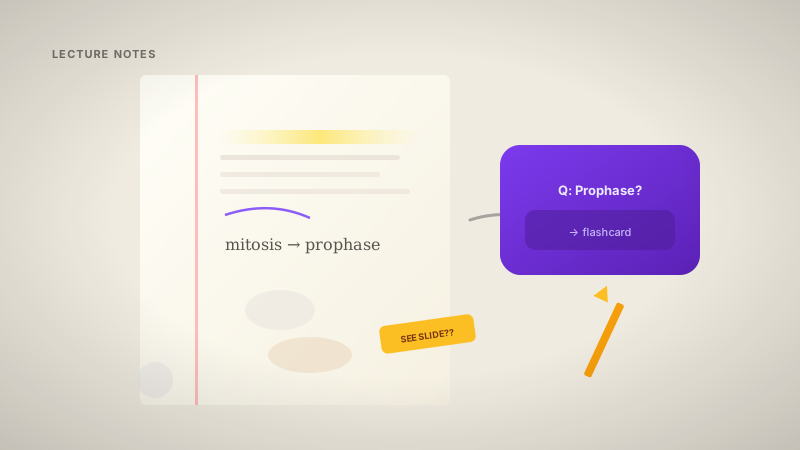
My lecture notes are messy. Arrows, half-sentences, "SEE SLIDE??" in the margin. They still make good flashcards if you process them the right way.
If you have a PDF from the prof, use the PDF workflow guide. This post is for typed notes, iPad exports, and text pasted from Notion, Google Docs, or Word.
Card quality rules: how to use flashcards effectively.
Step 1: Clean notes for 5 minutes
You don't need pretty notes. You need chunks of logic:
- One main topic per section
- Definitions labeled clearly ("Mitochondria: powerhouse of the cell")
- Examples directly under the concept they explain
Delete tangents. If you won't understand what you wrote in two weeks, the AI won't either.
Step 2: Paste into Nebulearn
Create → Generate in Nebulearn. It reads headings, bullets, numbered lists and drafts Q&A pairs.
Same edit pass as PDF cards. Draft is not a finished deck.
Free limits: 20 AI generations/week, 300 saved questions. One week's notes usually fits in one generation.
Step 3: Edit for exam style (10–15 min)
Professors rephrase on exams. Cards should test ideas, not your exact wording.
Bad: "What did I write about mitochondria on slide 4?"
Good: "What is the main function of mitochondria in cellular respiration?"
Answers stay short. Three-sentence answer = three cards.
Same edit checklist as PDF workflow: delete slide-title junk, split big cards, name specific terms.
Step 4: Tag and review with FSRS
One folder per course. Tags per exam chunk: midterm-1, week-5-circuits.
Then review. 15 min/day on the FSRS queue. Making cards feels like progress. Reviewing is studying.
Handwritten iPad notes
Export as PDF or scan. Run through Nebulearn like any document. OCR quality depends on handwriting. Cleaner scan = better cards.
If OCR garbles everything, retype the worst section as bullets first, then generate from that.
Tool comparison
| Tool | Notes → cards | Catch |
|---|---|---|
| Nebulearn | Paste or file | Free AI caps, no ads |
| Knowt | Import | Ads on free |
| RemNote | Inline from bullets | Notes-first workflow, steep learning curve |
| Anki | Manual typing | Slow, free, no ads |
RemNote shines when notes already live in RemNote bullets. Paste-from-Notion into RemNote is a different workflow than paste-into-flashcard-app.
Checklist
- Notes scoped to one week / one unit
- 5 min cleanup before generating
- Draft generated
- 10–15 min edit pass
- Folder + exam tag set
- First review scheduled this week
Notes are raw material. Flashcards are what you review. Paste, edit, schedule with FSRS, or type manually in Anki/Brainscape if you prefer no AI.