Why Quizlet Classes Feel Like Progress (But Aren't)
Quizlet Classes are great for distributing content, but they aren't a study plan. Learn the difference between a shared folder and a real spaced repetition due list.
I'm Daniel, a third-year Engineering Science student at UofT. I spend most of my time in the machine intelligence stream, but I also work on Nebulearn. That's a conflict of interest, so keep that in mind while you read this.
If you are looking for the short answer: Quizlet Classes are a distribution tool, not a learning tool. They are essentially shared folders that make it easy to get a deck from your teacher or classmates. However, being in a class does not give you a spaced repetition schedule. It just gives you a pile of cards.
The "Class Mastery" percentage you see in Quizlet tells you how many cards you have looked at recently. It does not tell you which cards you are about to forget.
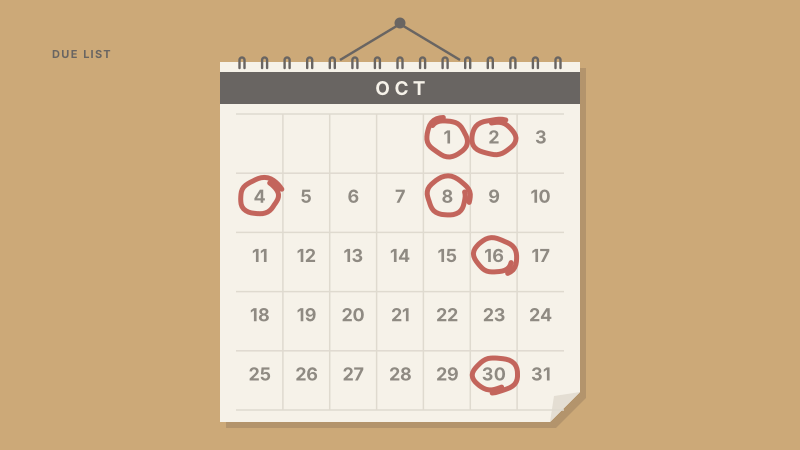
The difference between a shared folder and a due list
When a teacher adds you to a Quizlet Class, they are handing you a digital stack of paper. It is convenient because you don't have to type the terms yourself, but the organization ends there.
A shared folder is a static collection of data. A due list, which is the core of any real spaced repetition system (SRS), is a dynamic calendar based on your specific brain. If your classmate finds "Mitochondria" easy but you keep forgetting it, a shared class won't help you. You both see the same set, but your internal clocks for those facts are different.
The problem with the Class model is that it treats learning as a group activity. While studying together is great for morale, the actual act of encoding a memory is solitary. You need a system that tracks when you specifically are likely to forget a card.
The breakdown usually comes down to whether the app cares about the group or your specific brain:
| Feature | Quizlet Classes | Spaced Repetition (SRS) |
|---|---|---|
| Primary Goal | Content distribution | Long-term retention |
| Progress Metric | % of cards "mastered" in a session | Cards due today based on forgetting curve |
| Personalization | None (same sets for everyone) | Individual (each card has its own interval) |
| Collaboration | High (shared folders/sets) | Low (your queue is yours alone) |
After you join a class and get the cards, the social part of the job is done. The next step is moving those cards into a system that actually manages your time.
Why your teacher's deck is a starting point, not the finish line
Many students join a Quizlet Class and assume that because the teacher made the deck, it must be "complete." They spend their time clicking through the cards until they hit 100% mastery for the session.
In reality, a teacher's deck is often a high-level summary. It lacks the specific "hooks" or personal mnemonics that help you personally remember the material. Relying solely on a shared class deck often leads to passive recognition. You recognize the card when you see it in the familiar order of the set, but you can't recall the information during a high-stress exam.
True mastery comes from taking that shared content and making it your own. This might mean breaking a large, complex card into three smaller ones or adding an image that makes sense to you. A shared class folder makes this difficult because any changes you make usually don't sync back, or you end up with a messy "Copy of Copy of" situation.
The goal of getting a deck from a class should be to save ten minutes of typing so you can spend those ten minutes actually reviewing.
The false sense of security in Class Mastery
Quizlet uses "Mastery" percentages to show how you are doing in a class. This number is usually based on a "Learn" session or a few rounds of "Match."
This percentage is a snapshot of your short-term memory. If you cram a deck on a Tuesday and hit 100% mastery, that number doesn't account for the fact that by Friday, you will have forgotten 60% of it. Because Quizlet retired their original Long-Term Learning feature, the free version of the app doesn't have a way to pull those cards back into your view right before they slip away.
If you want a real schedule, you usually have to look elsewhere. It's the only way to avoid study apps that waste time. Anki is the classic choice here. It is free on desktop and Android, though the AnkiMobile app for iPhone costs about $25. Anki is excellent if you are using a massive, pre-made medical school deck like AnKing.
However, if you are a student who just got a Quizlet link from a teacher and needs to start studying for a midterm on Monday, Anki's learning curve can be a bottleneck.
Why your due list should be personal
When I built Nebulearn, I decided not to include "Classes" in the traditional sense. I saw too many students at UofT getting overwhelmed because they were trying to keep up with a group's progress instead of their own.
Your due list needs to be a private contract between you and the algorithm. If a friend in your study group is struggling with a specific concept in Anatomy, their repeated failures should not affect your schedule. In a shared "Class" environment, there is a lot of pressure to "clear the deck" together, which ignores how memory actually works.
I work on Nebulearn because I wanted a middle ground. I wanted the ease of a Quizlet import but the power of a real FSRS (Free Spaced Repetition Scheduler) due list. We have shared folders so you can still get the cards from your friends, but once those cards are in your account, they belong to your schedule.
If you are currently using Quizlet Classes, treat them as a library. Go in, grab the cards you need, and then move them into a system that actually tracks your forgetting curve. You can read more about how Quizlet Learn compares to real spaced repetition to see why that session-based "mastery" often fails you during finals week.