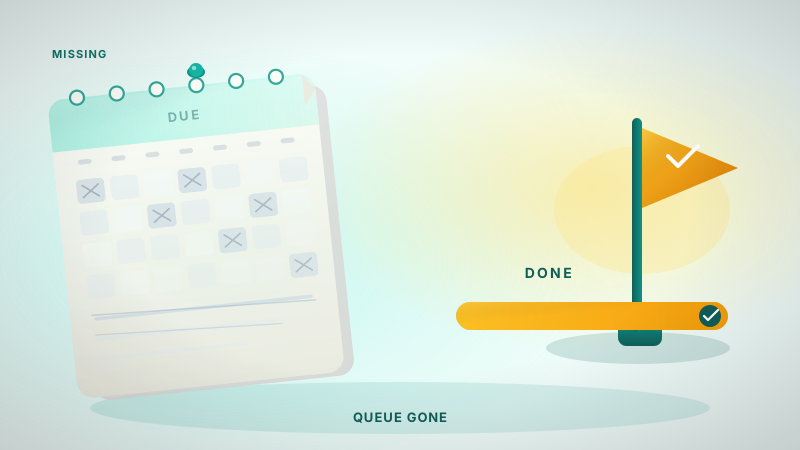
Why you can't find 'Long-Term Learning' on Quizlet anymore
Quizlet retired its Long-Term Learning mode and spaced repetition features. Here is why it disappeared and how the new 'Checkpoint' system works.
Hello there! If you are searching for the Long-Term Learning button on Quizlet and coming up empty, you aren't alone. I spent a lot of time in my early years at UofT trying to make Quizlet work for engineering exams before realizing the platform had fundamentally changed its direction.
My name is Daniel. I'm a third year engineering science student at the University of Toronto, specializing in machine intelligence. I also work on Nebulearn, which is a flashcard app built specifically for people who miss the old way Quizlet used to handle scheduling. Since I build a competing tool, I have a conflict of interest here, but I want to be honest about why Quizlet made these moves.
The short answer is that Quizlet retired the Long-Term Learning mode and replaced it with session-based "Checkpoints" and a paid "Memory Score" feature. It shifted from being a calendar-based memory tool to a session-based study tool.
What Long-Term Learning actually was
Before we look at the current UI, we have to define what went missing. Long-Term Learning was Quizlet's implementation of spaced repetition.
In a real spaced repetition system (SRS), the app tracks every individual card. It knows when you last saw a card and how hard it was for you. Based on that, it calculates exactly when you are about to forget it and puts it in a "due" queue. You don't decide what to study; the calendar decides for you.
Quizlet used to have a dedicated mode for this. You could add sets to a long-term folder, and the app would give you a daily goal of cards to review. It was designed to move information from your short-term memory into your long-term memory over weeks or months.
Why the interface changed in 2020
Because maintaining a calendar-based queue is technically harder than a simple study session, Quizlet began a series of major redesigns around 2020 and 2021. During this period, the Long-Term Learning tab started disappearing for various user groups.
The primary change was the introduction of the new Learn mode. Instead of a continuous, multi-week schedule, the new Learn mode focused on "mastering" a set in a single sitting. You start a session, answer cards until they are "familiar" or "mastered," and then the session ends.
The community reaction on Reddit and Twitter was immediate and largely frustrated. Users who had built up years of study data found that their "due" queues were gone. They were left with a tool that was great for a test this Friday, but less effective for a cumulative final exam three months away.
Why the 'Checkpoint' replaced the queue
Quizlet replaced the long-term queue with a mechanic called Checkpoints. In the current version of Quizlet, a Checkpoint is a progress marker within a specific set.
| Feature | Old Long-Term Learning | New Checkpoint / Learn |
|---|---|---|
| Goal | Retain info for months | Finish the current set |
| Logic | Calendar-based (SRS) | Session-based mastery |
| Scope | Cross-set folders | Individual study sets |
| Cost | Formerly free/standard | Part of the free/Plus split |
The Checkpoint system is designed for the "procrastinating world" that Quizlet often mentions in its blog posts. It assumes you are looking at one specific set of cards right now and you want to feel a sense of completion before you close the tab. It does not naturally handle the problem of "what do I need to review across all ten of my biology sets today?"
This means that while the UI looks cleaner, the mental load of choosing what to study has shifted back to the student.
Where spaced repetition lives now: Memory Score
Spaced repetition hasn't completely vanished from the platform, but it has moved behind a paywall. If you still want some form of spacing on Quizlet, it hasn't completely vanished, but it has moved. It is now largely tied to Quizlet Plus and the "Memory Score" feature.
Memory Score attempts to show you how well you know a set over time. However, even with a Plus subscription, the experience is different from a traditional SRS like Anki or Nebulearn. It still feels very set-centric. You have to manually go into a set to see your score, rather than having a single "Review" button that pulls from everything you have ever learned.
This is where the distinction between session-based learning and true SRS becomes clear. If you have to choose what to study, you are doing the heavy lifting. If the app tells you what to study, the app is doing the heavy lifting.
When to look for an alternative
If you are a medical student, a language learner, or an engineering student like me, you probably need a real due queue.
Anki is the most famous alternative here, and it's often the first stop for anyone looking at Quizlet alternatives. It is powerful and uses a real scheduler. If you are on desktop or Android, it is free. If you are on iPhone, AnkiMobile is about $25 as a one-time purchase. Anki is the winner if you want to use pre-made decks like AnKing or if you love customizing every single detail of your cards.
I work on Nebulearn because I found the gap between Quizlet's ease of use and Anki's power was too wide. When Quizlet retired Long-Term Learning, it left a lot of students without a way to handle large amounts of data quickly.
If you decide to move your study materials, keep in mind that your review history rarely transfers perfectly. You can often export the text of your cards, but the "data" of how well you know them is usually locked into the platform that created it.